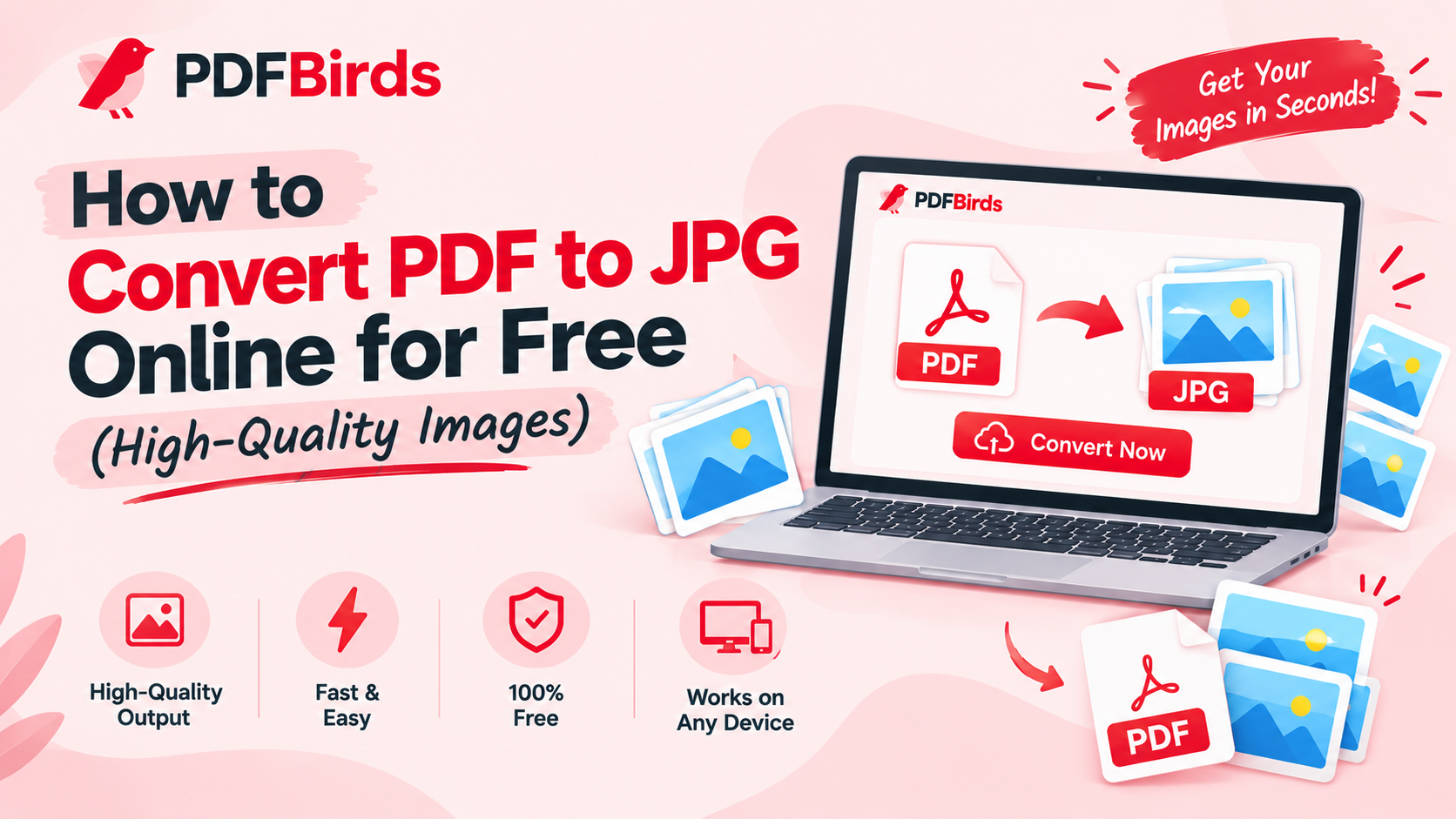
Sharing PDF documents on social media platforms, embedding them into presentations, or sending individual pages via messaging apps like WhatsApp can be cumbersome. Standard image formats like JPG or JPEG are universally viewable, lightweight, and easy to share across any platform without requiring a dedicated document reader.
In this article, you will learn how to convert PDF pages into high-resolution JPG images directly inside your browser for free—without needing costly desktop software.
Why Convert PDF Documents to JPG Images?
Exporting PDF files into image format provides practical advantages:
- Instant Visual Sharing: Share individual document pages, certificates, or receipts directly in chat apps, social feeds, or email threads without forcing recipients to download a file viewer.
- Easy Insertion in Office Apps: Insert visual slides or charts directly into Microsoft PowerPoint, Word, or Google Docs without formatting bugs.
- Universal Mobile Compatibility: JPG images open seamlessly in photo galleries across Android, iOS, and desktop operating systems.
- Extract Visual Highlights: Easily grab a single page or diagram out of a massive multi-page document.
Step-by-Step: How to Convert PDF to JPG Online
Converting your document to images takes less than a minute on PDFBirds:
- Upload the Document: Head to the PDF to JPG Converter on PDFBirds and upload your document.
- Choose Image Quality: Select high-resolution output (300 DPI equivalent) to ensure small text and diagrams remain sharp and crisp.
- Convert Pages: Click Convert to JPG. The tool processes each page into a separate high-definition image file.
- Download Result: Download individual images or get all pages bundled in a single ZIP folder instantly.
Post-Conversion Tips for Managing Your Files
Once your images are ready, explore these related tools to manage your workflow:
- Need to turn photos back into a document? Follow our guide on how to convert JPG to PDF online to compile photos into a clean packet.
- Is the original PDF password-protected? Decrypt it first using our tutorial on how to unlock a PDF and remove password before converting to images.
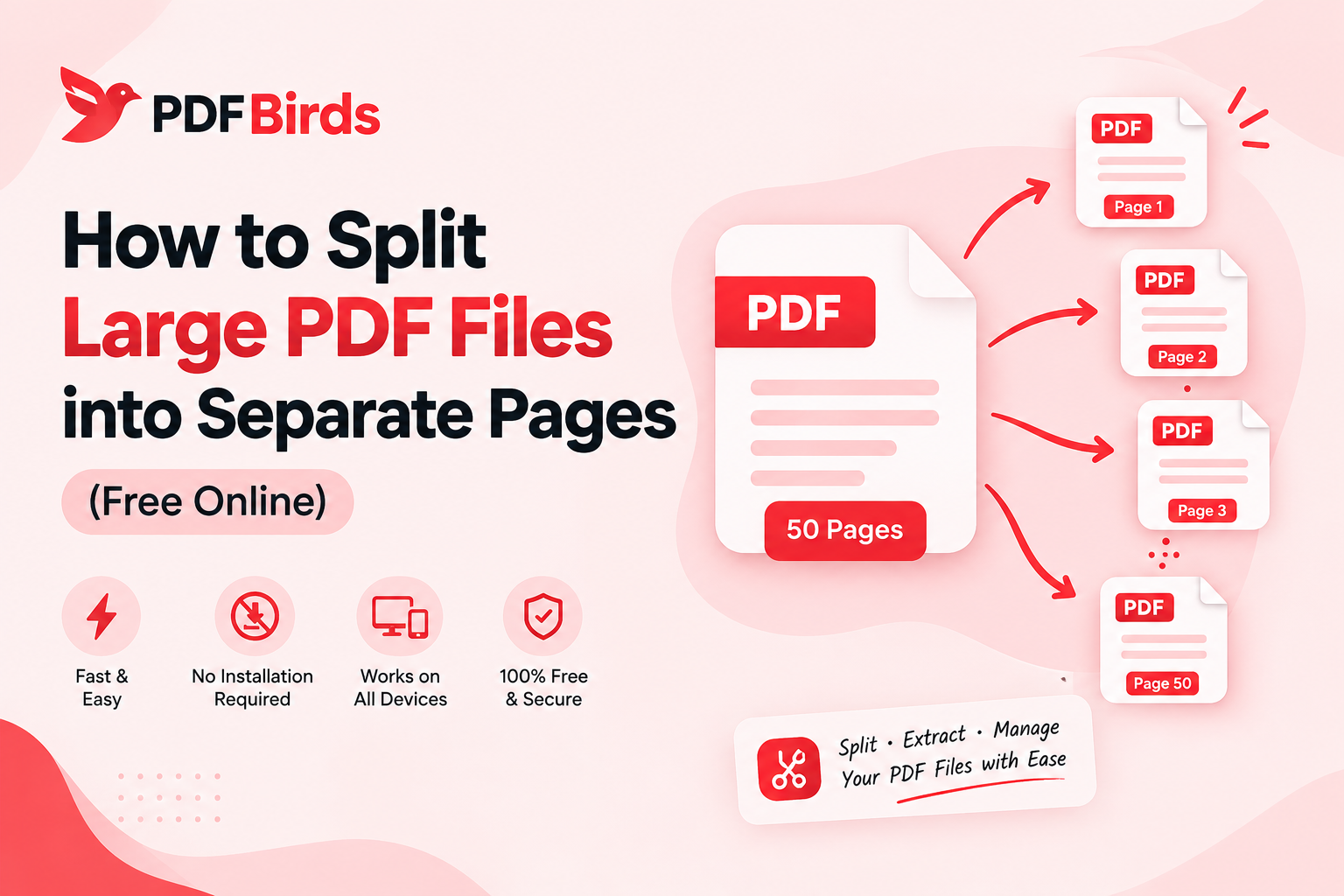
- Want only specific pages converted? Extract the exact section first using our guide on how to split PDF pages online.
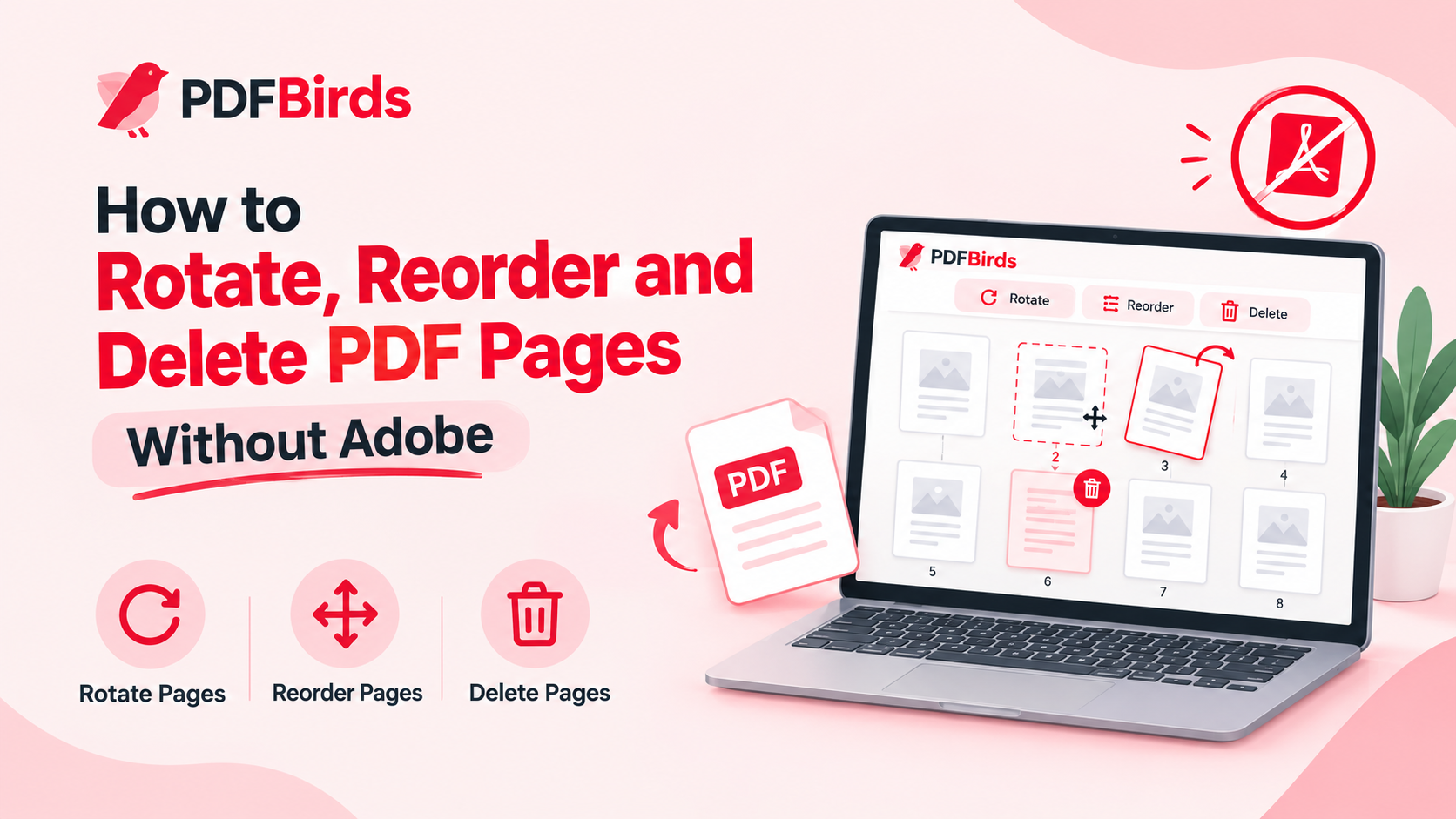
- Orientation misaligned? Realign sideways pages permanently with our guide on how to rotate PDF pages online.
FAQs
Does converting PDF to JPG cause text to become blurry?
No. Our converter maintains sharp rendering on vector text and diagrams, ensuring numbers, signatures, and fine print remain fully readable.
Can I convert a large multi-page PDF at once?
Yes. You can upload multi-page files; each page will be cleanly rendered as an individual JPG file for download.
Is it safe to convert private documents on PDFBirds?
Yes. All file transfers are protected with end-to-end SSL encryption, and uploaded documents are automatically purged from server storage shortly after processing.