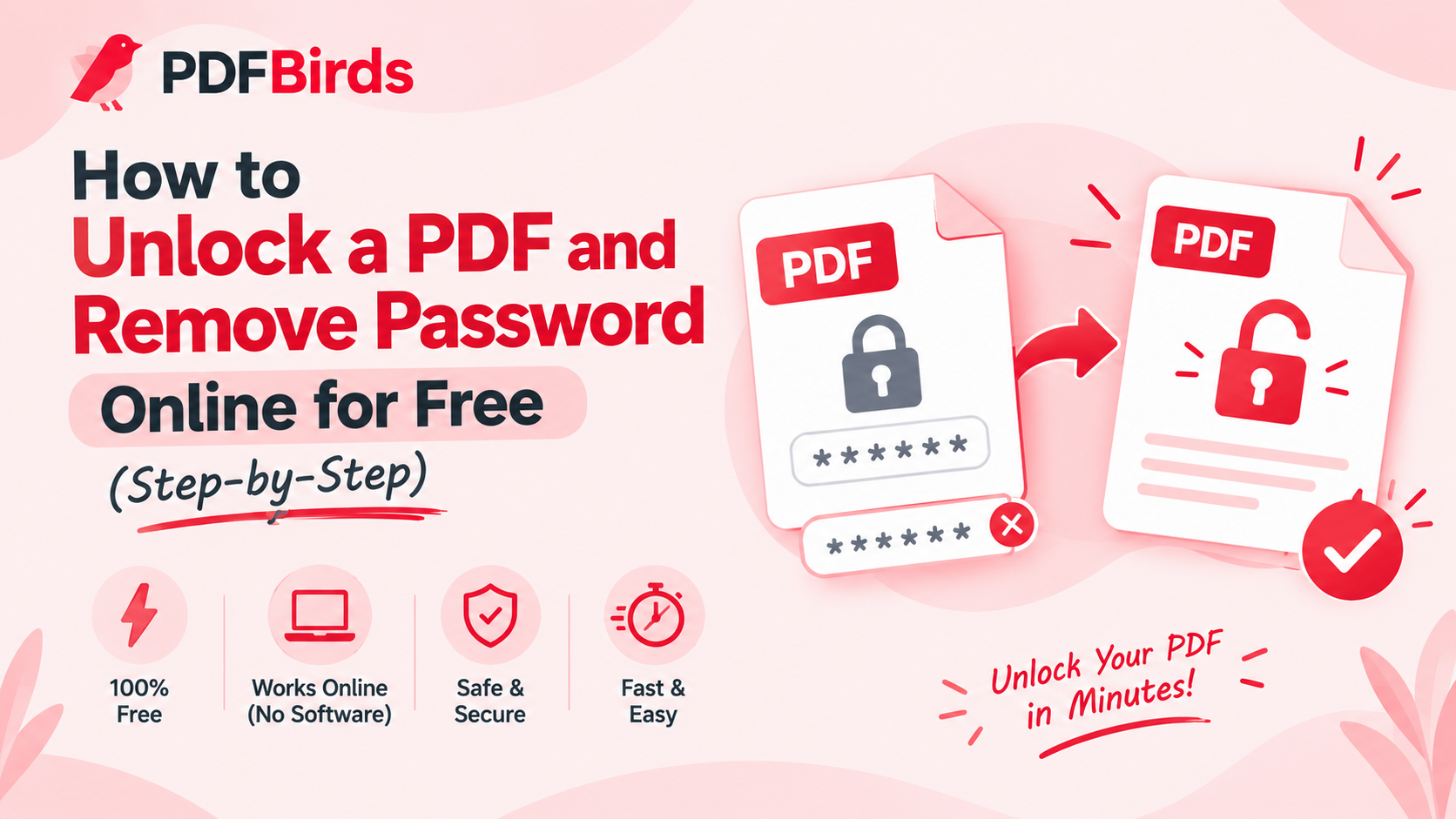
How to Unlock a PDF and Remove Password Online for Free (Step-by-Step) How to Unlock a PDF and Remove Password Online for Free (Step-by-Step) How to Unlock a PDF and Remove Password Online for Free (Step-by-Step) How to Unlock a PDF and Remove Password Online for Free (Step-by-Step)How to Unlock a PDF and Remove Password Online for Free (Step-by-Step)How to Unlock a PDF and Remove Password Online for Free (Step-by-Step)How to Unlock a PDF and Remove Password Online for Free (Step-by-Step)
Entering a password every single time you open a bank statement, digital receipt, or monthly invoice gets tedious quickly. If you already have the authorization to access a secured file and want to remove the password permanently for personal archival or seamless sharing, unlocking it is the fastest solution.
In this article, you will learn how to unlock and remove password restrictions from any PDF document directly inside your browser—completely free, without purchasing heavy software.
Why Remove Passwords from PDF Files?
Decrypting a file permanently offers several practical benefits:
- Instant Document Access: Open your files instantly on mobile, tablet, or desktop without re-typing lengthy passphrases.
- Seamless Workflow Automation: Password-protected documents cannot be automatically processed by software pipelines, scanners, or cloud backup tools.
- Easy Sharing & Printing: Unlocked documents allow colleagues or family members to view and print pages without needing decryption credentials.
Step-by-Step: How to Unlock a PDF Online
Unlocking a document takes just three simple steps on PDFBirds:
Step 1: Upload Your Encrypted PDF
Navigate to the PDF security tool on PDFBirds. Click Select File or drag and drop your password-protected PDF directly into the upload area.
Step 2: Enter the Existing Password
Type the current document password into the verification box. This confirms you have valid authorization to access and modify the file contents.
Step 3: Decrypt and Download
Click Unlock PDF. The tool strips the encryption wrapper and generates an unrestricted document. Click Download to save your permanently unlocked PDF directly to your device.
What to Do After Unlocking Your PDF
Once your document is unlocked and accessible, you can optimize it for sharing or filing:
- Reduce File Size: Scanned financial records are often heavy. Use our tool to compress PDF online so it can be emailed quickly.
- Combine Multiple Records: Merge several unlocked statements into one clean file using our guide on how to merge PDF files online
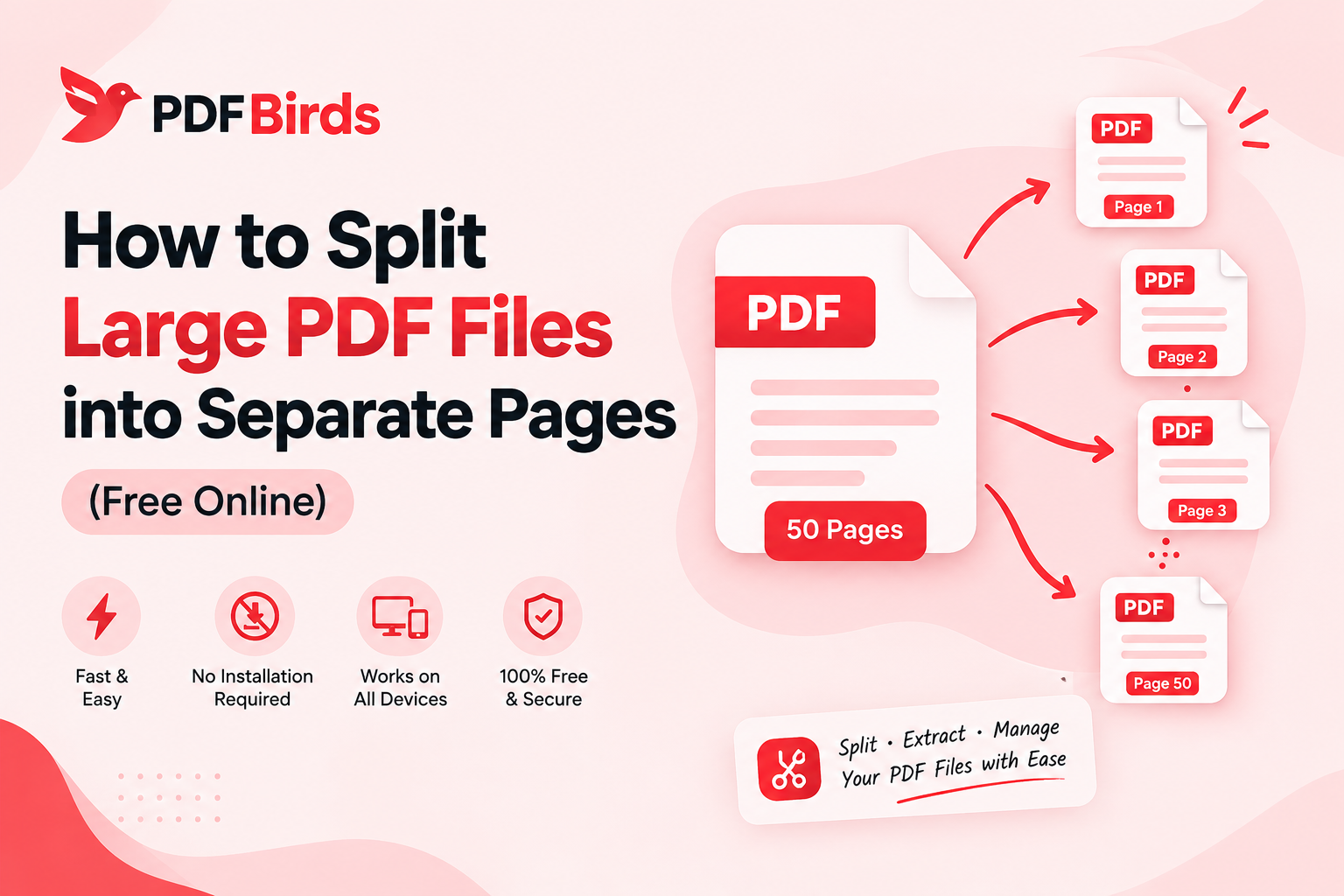
- Extract Important Pages: If you only need a single receipt or certificate, follow our guide on how to split PDF pages online to separate the exact pages you need.
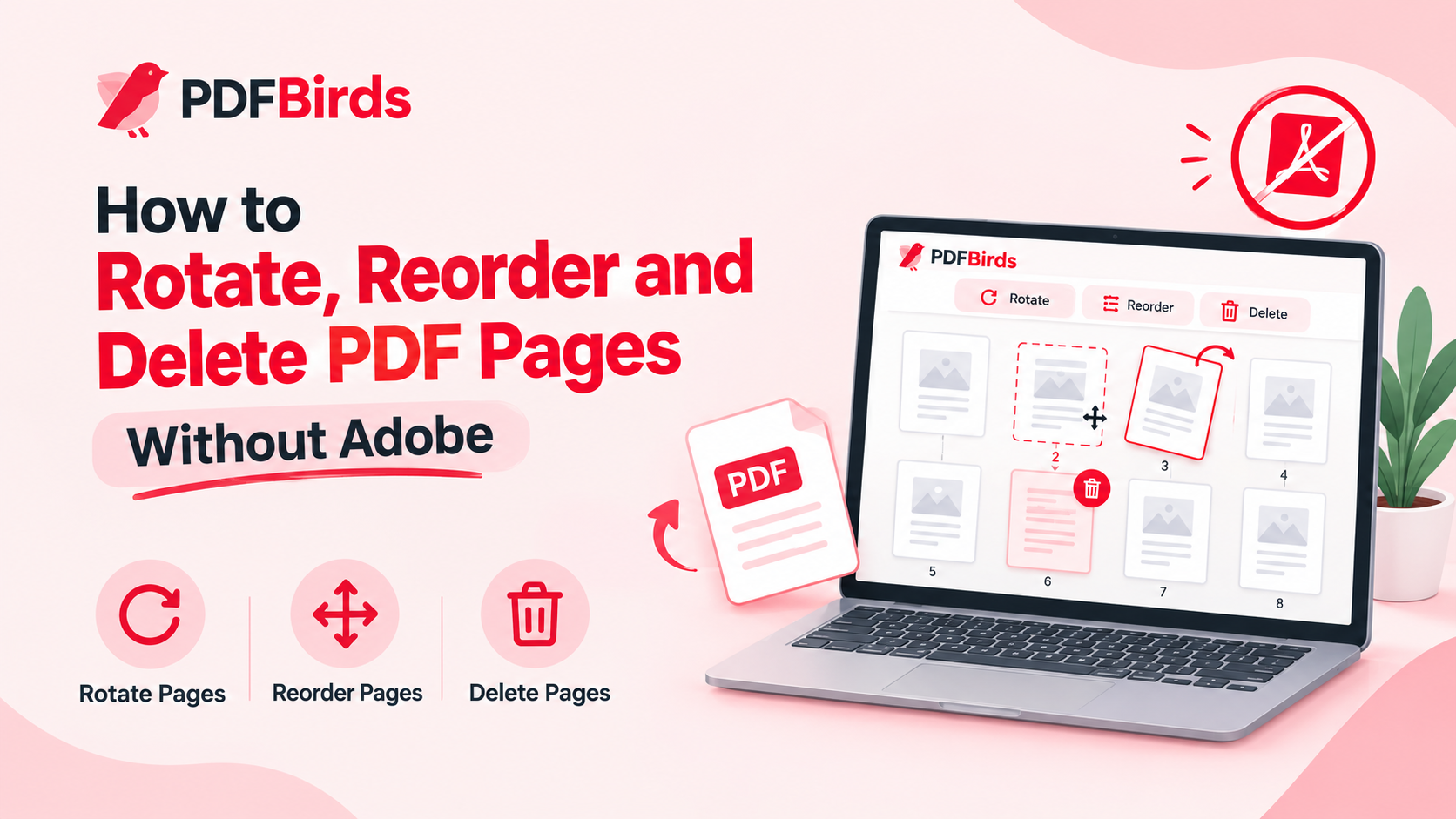
- Fix Orientation: Correct any sideways or upside-down scans permanently with our tutorial on how to rotate PDF pages online.
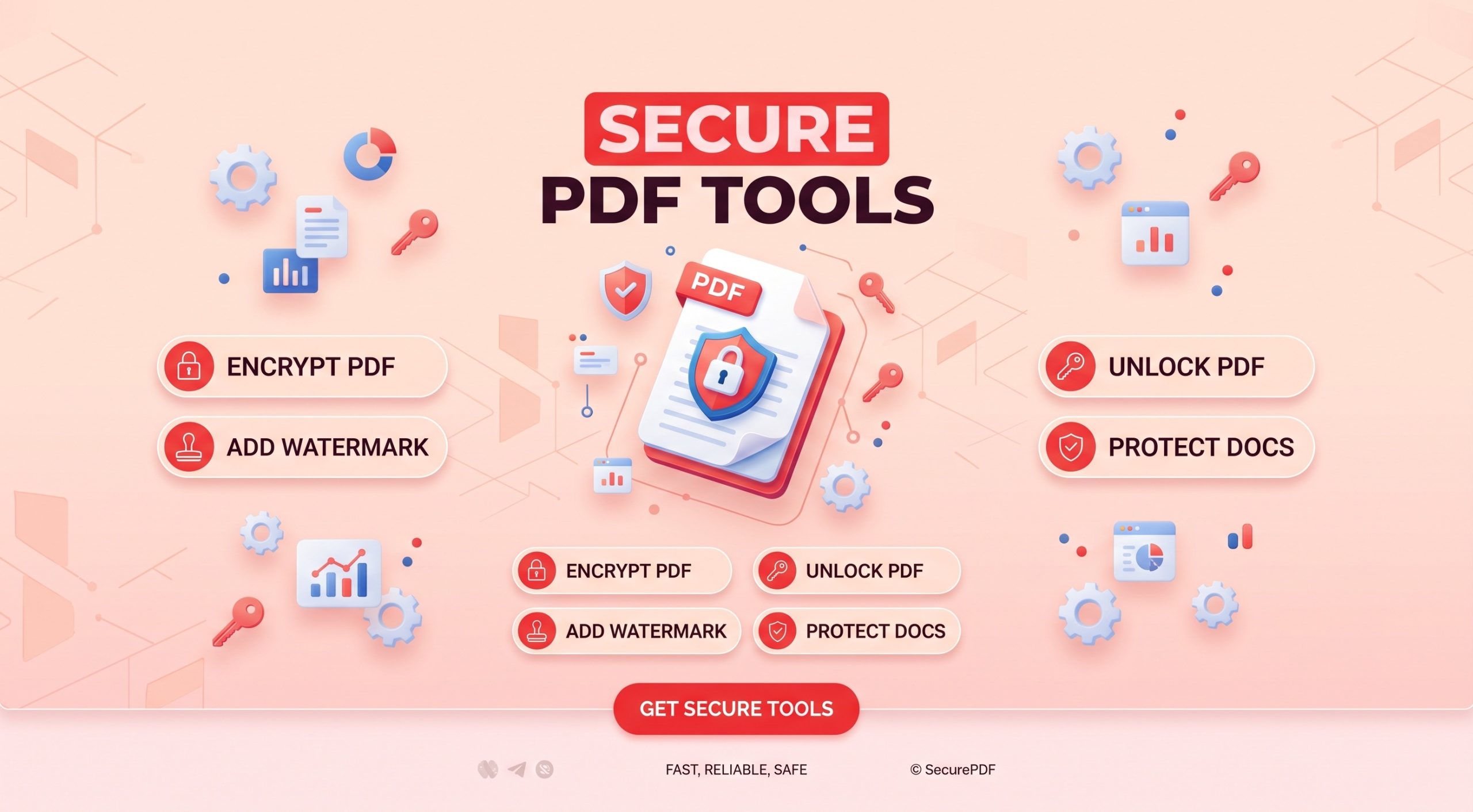
- Re-protect When Needed: If you ever need to send confidential data back across the internet, you can easily password protect your PDF with strong encryption.
FAQs
Can I unlock a PDF if I don’t know the password?
No. Cryptographically secured documents require the initial password for decryption. Legitimate online tools are designed to strip known passwords, not illegally bypass private security protocols.
Does unlocking a PDF damage the layout or image quality?
No. Unlocking simply removes the security permission layer. The underlying formatting, fonts, vectors, and embedded images remain 100% untouched.
Is it safe to unlock personal documents on PDFBirds?
Yes. All data is processed through end-to-end SSL encryption. Uploaded files are automatically wiped from servers shortly after processing to protect your privacy.
Entering a password every single time you open a bank statement, digital receipt, or monthly invoice gets tedious quickly. If you already have the authorization to access a secured file and want to remove the password permanently for personal archival or seamless sharing, unlocking it is the fastest solution.
In this article, you will learn how to unlock and remove password restrictions from any PDF document directly inside your browser—completely free, without purchasing heavy software.Entering a password every single time you open a bank statement, digital receipt, or monthly invoice gets tedious quickly. If you already have the authorization to access a secured file and want to remove the password permanently for personal archival or seamless sharing, unlocking it is the fastest solution.
In this article, you will learn how to unlock and remove password restrictions from any PDF document directly inside your browser—completely free, without purchasing heavy software.Entering a password every single time you open a bank statement, digital receipt, or monthly invoice gets tedious quickly. If you already have the authorization to access a secured file and want to remove the password permanently for personal archival or seamless sharing, unlocking it is the fastest solution.
In this article, you will learn how to unlock and remove password restrictions from any PDF document directly inside your browser—completely free, without purchasing heavy software.Entering a password every single time you open a bank statement, digital receipt, or monthly invoice gets tedious quickly. If you already have the authorization to access a secured file and want to remove the password permanently for personal archival or seamless sharing, unlocking it is the fastest solution.
In this article, you will learn how to unlock and remove password restrictions from any PDF document directly inside your browser—completely free, without purchasing heavy software.Entering a password every single time you open a bank statement, digital receipt, or monthly invoice gets tedious quickly. If you already have the authorization to access a secured file and want to remove the password permanently for personal archival or seamless sharing, unlocking it is the fastest solution.
In this article, you will learn how to unlock and remove password restrictions from any PDF document directly inside your browser—completely free, without purchasing heavy software.Entering a password every single time you open a bank statement, digital receipt, or monthly invoice gets tedious quickly. If you already have the authorization to access a secured file and want to remove the password permanently for personal archival or seamless sharing, unlocking it is the fastest solution.
In this article, you will learn how to unlock and remove password restrictions from any PDF document directly inside your browser—completely free, without purchasing heavy software.Entering a password every single time you open a bank statement, digital receipt, or monthly invoice gets tedious quickly. If you already have the authorization to access a secured file and want to remove the password permanently for personal archival or seamless sharing, unlocking it is the fastest solution.
In this article, you will learn how to unlock and remove password restrictions from any PDF document directly inside your browser—completely free, without purchasing heavy software.Entering a password every single time you open a bank statement, digital receipt, or monthly invoice gets tedious quickly. If you already have the authorization to access a secured file and want to remove the password permanently for personal archival or seamless sharing, unlocking it is the fastest solution.
In this article, you will learn how to unlock and remove password restrictions from any PDF document directly inside your browser—completely free, without purchasing heavy software.vvEntering a password every single time you open a bank statement, digital receipt, or monthly invoice gets tedious quickly. If you already have the authorization to access a secured file and want to remove the password permanently for personal archival or seamless sharing, unlocking it is the fastest solution.
In this article, you will learn how to unlock and remove password restrictions from any PDF document directly inside your browser—completely free, without purchasing heavy software.Entering a password every single time you open a bank statement, digital receipt, or monthly invoice gets tedious quickly. If you already have the authorization to access a secured file and want to remove the password permanently for personal archival or seamless sharing, unlocking it is the fastest solution.
In this article, you will learn how to unlock and remove password restrictions from any PDF document directly inside your browser—completely free, without purchasing heavy software.vEntering a password every single time you open a bank statement, digital receipt, or monthly invoice gets tedious quickly. If you already have the authorization to access a secured file and want to remove the password permanently for personal archival or seamless sharing, unlocking it is the fastest solution.
In this article, you will learn how to unlock and remove password restrictions from any PDF document directly inside your browser—completely free, without purchasing heavy software.Entering a password every single time you open a bank statement, digital receipt, or monthly invoice gets tedious quickly. If you already have the authorization to access a secured file and want to remove the password permanently for personal archival or seamless sharing, unlocking it is the fastest solution.
In this article, you will learn how to unlock and remove password restrictions from any PDF document directly inside your browser—completely free, without purchasing heavy software.Entering a password every single time you open a bank statement, digital receipt, or monthly invoice gets tedious quickly. If you already have the authorization to access a secured file and want to remove the password permanently for personal archival or seamless sharing, unlocking it is the fastest solution.
In this article, you will learn how to unlock and remove password restrictions from any PDF document directly inside your browser—completely free, without purchasing heavy software.Entering a password every single time you open a bank statement, digital receipt, or monthly invoice gets tedious quickly. If you already have the authorization to access a secured file and want to remove the password permanently for personal archival or seamless sharing, unlocking it is the fastest solution.
In this article, you will learn how to unlock and remove password restrictions from any PDF document directly inside your browser—completely free, without purchasing heavy software.Entering a password every single time you open a bank statement, digital receipt, or monthly invoice gets tedious quickly. If you already have the authorization to access a secured file and want to remove the password permanently for personal archival or seamless sharing, unlocking it is the fastest solution.
In this article, you will learn how to unlock and remove password restrictions from any PDF document directly inside your browser—completely free, without purchasing heavy software.Entering a password every single time you open a bank statement, digital receipt, or monthly invoice gets tedious quickly. If you already have the authorization to access a secured file and want to remove the password permanently for personal archival or seamless sharing, unlocking it is the fastest solution.
In this article, you will learn how to unlock and remove password restrictions from any PDF document directly inside your browser—completely free, without purchasing heavy software.