Whether you are applying for a job, submitting scanned receipts for expense reimbursement, or uploading verification documents to an online portal, image files like JPG or JPEG can quickly become messy to organize. Most portals require a single cohesive document rather than dozens of separate image attachments.
Converting your pictures into a clean PDF solves this issue instantly. In this article, you will learn how to convert single or multiple JPG images into a single PDF document online for free—without installing heavy desktop apps.
Why Convert JPG Images to PDF?
Converting image files into standardized PDF documents provides several distinct advantages:
- Single Document Submission: Instead of uploading 10 individual image files, combine all your pages into one organized document.
- Preserve Visual Quality: Standard conversion maintains clear photo resolution and clean text scanning without image degradation.
- Universal Compatibility: PDFs open identically on Windows, Mac, iOS, and Android devices without missing image previews.
- Reduced Clutter: Clean up your attachments and prevent formatting shifts when emailing clients or employers.
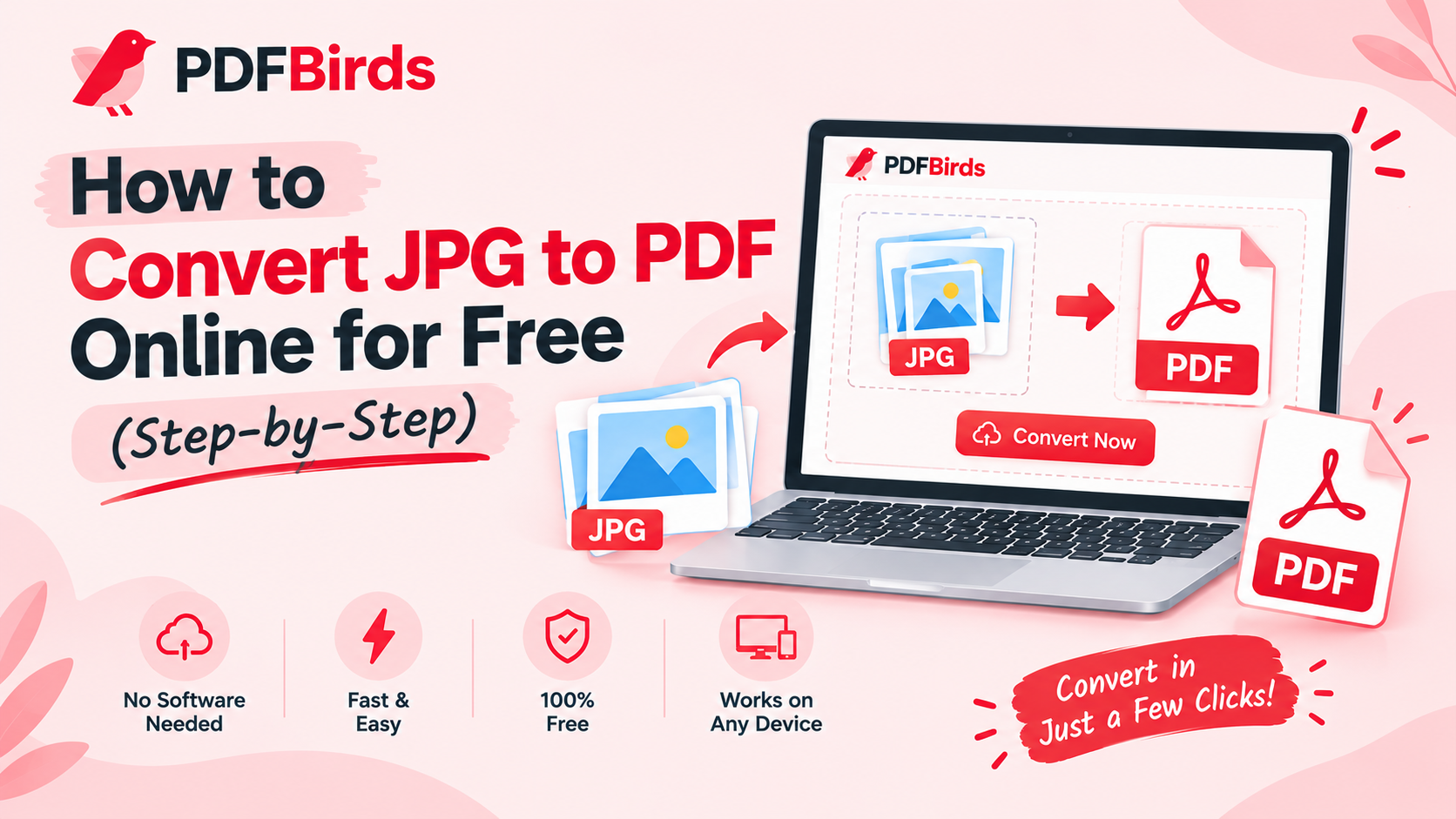
Step-by-Step: How to Convert JPG to PDF Online
Converting your images takes just a few clicks:
- Upload Your Images: Open the online conversion utility on PDFBirds and drag & drop your JPG or JPEG images into the converter.
- Arrange the Page Order: Reorder the image thumbnails so your pages display in the exact numerical sequence you need.
- Convert and Merge: Select your preferred page orientation (Portrait or Landscape) and click Convert to PDF.
- Download: Save your newly compiled PDF directly to your device storage.
Post-Conversion Tips for Your Document
Once your image document is generated, you can refine it further using our free utilities:
- Need to email the document? If your combined photos make the file too heavy, use our guide on how to reduce PDF file size to compress it for email attachment limits.
- Page scanned upside down? Fix orientation errors permanently with our tutorial on how to rotate PDF pages online.
- Have extra pages? Use our quick guide on how to split PDF pages online to extract only the specific sheets you need.
- Sharing sensitive contracts or IDs? Protect your document with strong password encryption using our guide on how to password protect a PDF.
FAQs
Can I convert multiple JPG images into a single PDF?
Yes. You can upload several images at once, rearrange their order, and compile them into one continuous multi-page PDF.
Does converting JPG to PDF reduce photo sharpness?
No. The conversion embeds your JPG pictures directly inside standard vector page containers, retaining full native resolution and clarity.
Is it safe to upload personal ID photos or bills?
Yes. All file transfers are secured with SSL encryption. Files are processed automatically and purged from the servers shortly after conversion.
JPG Images to PDF JPG Images to PDF JPG Images to PDFv JPG Images to PDFv JPG Images to PDF JPG Images to PDF JPG Images to PDF JPG Images to PDF JPG Images to PDFvvv JPG Images to PDF JPG Images to PDF JPG Images to PDF JPG Images to PDF JPG Images to PDF JPG Images to PDF JPG Images to PDF JPG Images to PDF JPG Images to PDF JPG Images to PDF JPG Images to PDF JPG Images to PDF JPG Images to PDF JPG Images to PDF JPG Images to PDF JPG Images to PDF JPG Images to PDF JPG Images to PDF JPG Images to PDF JPG Images to PDF JPG Images to PDF JPG Images to PDF JPG Images to PDF JPG Images to PDFv JPG Images to PDFv JPG Images to PDF JPG Images to PDF JPG Images to PDF JPG Images to PDF JPG Images to PDFvvv JPG Images to PDF JPG Images to PDF JPG Images to PDF JPG Images to PDF JPG Images to PDF JPG Images to PDF JPG Images to PDF JPG Images to PDF JPG Images to PDF JPG Images to PDF JPG Images to PDF JPG Images to PDF JPG Images to PDF JPG Images to PDF JPG Images to PDF JPG Images to PDF JPG Images to PDF JPG Images to PDF JPG Images to PDF JPG Images to PDF JPG Images to PDF