Edit a PDF Online for Free Edit a PDF Online for Free Edit a PDF Online for Free
Making last-minute updates to an existing PDF can be frustrating. Standard PDF viewers like Adobe Reader only let you view pages, while premium desktop editors lock basic editing features behind expensive annual subscriptions.
Whether you need to fill out an application, correct a typo in a contract, insert an official signature, or add supporting imagery, an intuitive web editor solves the problem immediately. In this article, you will learn how to edit PDF documents directly inside your browser for free—without installing desktop software.
What Changes Can You Make to a PDF Online?
Modern browser-based editors give you full flexibility over your documents:
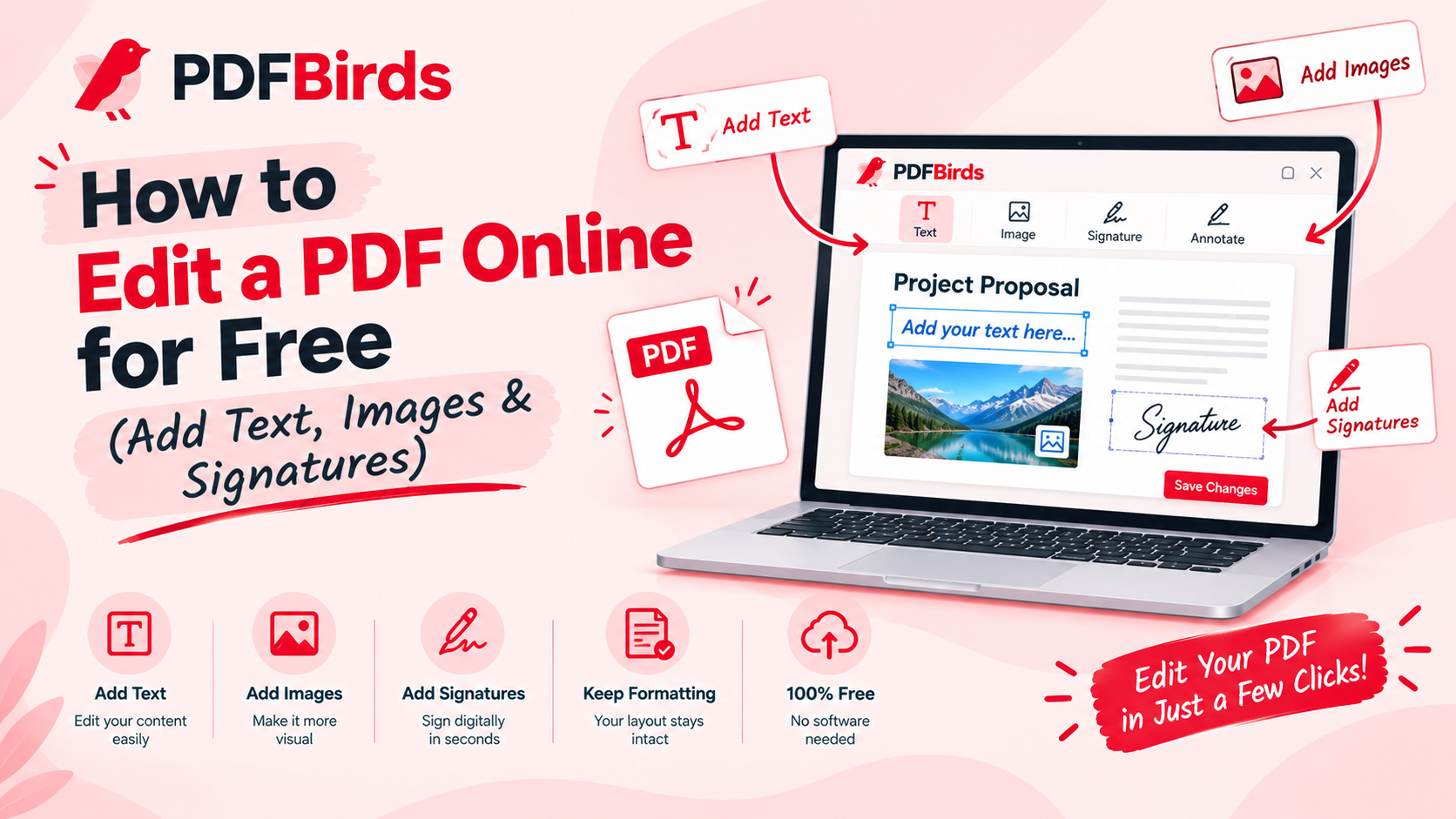
- Add & Edit Text: Insert new sentences, fill out non-fillable forms, or add notes and annotations anywhere on the page.
- Insert Images & Logos: Place official company stamps, verification badges, or supporting photos onto specific sheets.
- Draw & Add Digital Signatures: Create an e-signature using your mouse, trackpad, or touchscreen to sign agreements legally.
- Highlight & Redact: Emphasize crucial clauses with color highlighters or blackout confidential details before sharing.
Step-by-Step: How to Edit Your PDF Online
Modifying your document takes just a few steps on PDFBirds:
Step 1: Upload Your Document
Go to the document editor on PDFBirds. Drag and drop your PDF into the upload workspace or click Select File.
Step 2: Make Your Annotations and Edits
Use the top toolbar to choose your editing tools:
- Click Text to place custom text boxes, adjust fonts, sizes, and colors.
- Click Sign to draw, type, or upload your personal e-signature.
- Click Image to embed logos, scans, or receipts directly onto the canvas.
Step 3: Apply Changes and Download
Once your edits look balanced and complete, click Apply Changes. The tool compiles your new visual layers into a clean document. Click Download to save the updated PDF instantly to your device.
Workflow Tips Before and After Editing
To keep your document clean, organized, and secure, integrate these tools into your workflow:
- Need to combine multiple documents first? Follow our guide on how to merge PDF files online into a single packet before annotating.
- File too heavy to email after adding images? Use our guide on how to reduce PDF file size to shrink your attachment under email thresholds.
- Pages oriented sideways? Realign crooked pages permanently with our tutorial on how to rotate PDF pages online.
- Sending confidential paperwork? Protect your edited agreements with strong encryption using our step-by-step guide on how to password protect a PDF.
FAQs
Can I edit a PDF that has password restrictions?
If a file has editing or permission restrictions, you must first decrypt it using our guide on how to unlock a PDF and remove password before opening it in the editor.
Will my added signatures and text remain permanent?
Yes. Once you apply changes and download, all text layers, annotations, and digital signatures flatten into the final PDF structure, ensuring they render identically on all devices.
Is it safe to edit sensitive legal contracts on PDFBirds?
Yes. Data transmission is secured using end-to-end SSL encryption. Uploaded documents are automatically removed from our servers shortly after processing to protect your privacy.
How to Edit a PDF Online for Free (Add Text, Images & Signatures) How to Edit a PDF Online for Free (Add Text, Images & Signatures) How to Edit a PDF Online for Free (Add Text, Images & Signatures)How to Edit a PDF Online for Free (Add Text, Images & Signatures)How to Edit a PDF Online for Free (Add Text, Images & Signatures)How to Edit a PDF Online for Free (Add Text, Images & Signatures)