Convert PDF to Word Convert PDF to Word Convert PDF to WordConvert PDF to Word Convert PDF to Word
Trying to edit text directly inside a standard PDF is notoriously difficult. Unlike word processor documents, standard PDFs flatten text, fonts, and graphics into fixed layout containers, making simple typing or paragraph adjustments nearly impossible without breaking the page design.
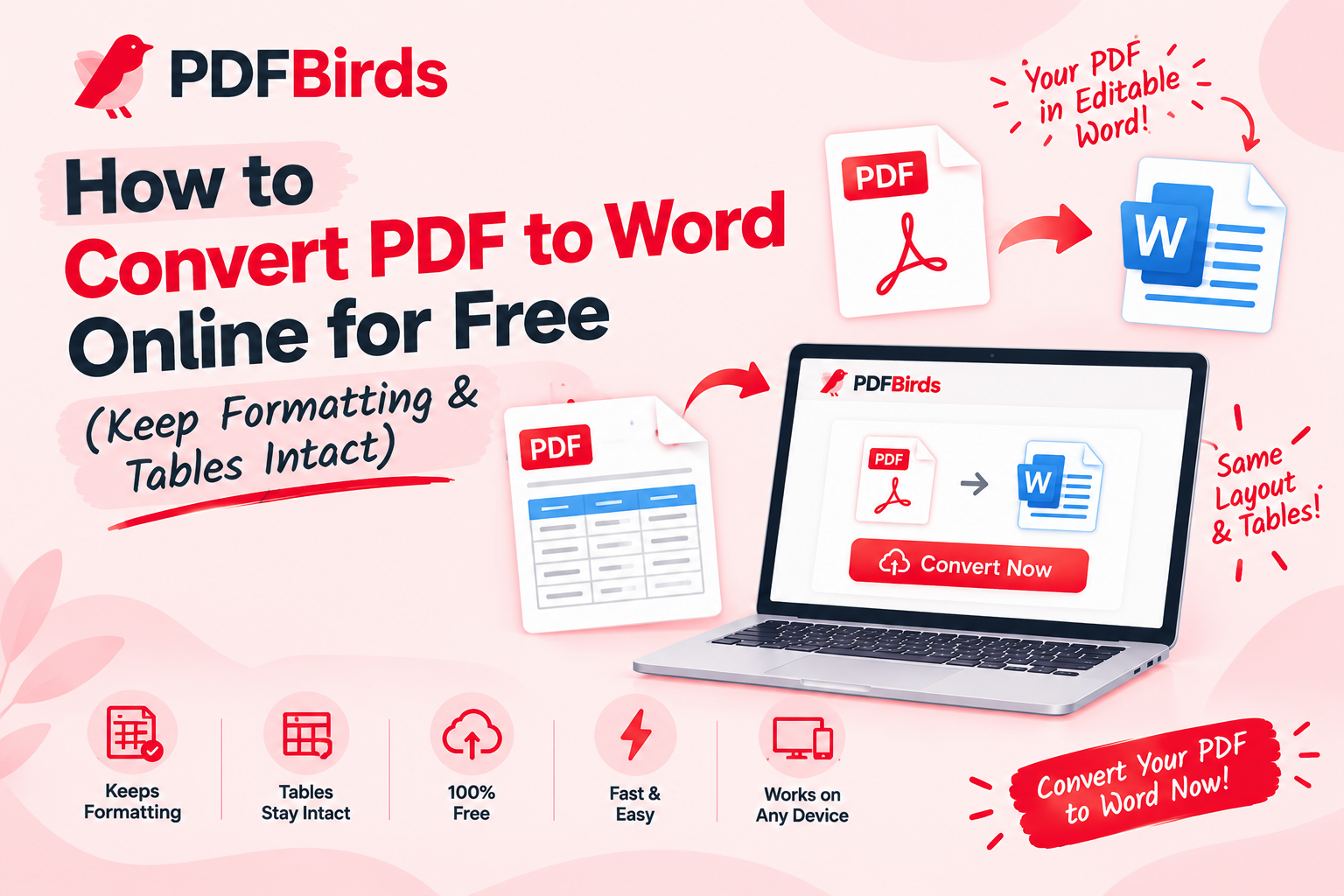
Converting your file into an editable Microsoft Word document (.docx) allows you to rewrite content, adjust styling, and modify layouts effortlessly. In this article, you will learn how to convert PDF documents into clean, editable Word files online for free—without purchasing expensive desktop licenses.
Why Convert PDF Documents to Word (DOCX)?
Exporting PDF files into native Word format solves major editing limitations:
- Full Text & Paragraph Editing: Rewrite sentences, change typographical fonts, and fix errors directly inside Microsoft Word or Google Docs.
- Layout & Style Preservation: Modern cloud converters preserve paragraph breaks, bulleted lists, margins, and inline images without jumbling pages.
- Easy Collaboration: Word documents let teams use track changes, add inline comments, and edit proposals collaboratively.
- Reuse Scanned Content: Quickly repurpose text from agreements, contracts, and handouts without retyping everything from scratch.
Step-by-Step: How to Convert PDF to Word Online
Converting your document takes just a few seconds on PDFBirds:
- Upload Your PDF: Visit the PDF to Word Converter on PDFBirds and drop your document into the conversion area.
- Process Document: Click Convert to Word. The conversion engine scans the layout, reconstructs text flows, and maps vector headings into editable Word styles.
- Download Your Word File: Click Download to save the newly created .docx file directly to your desktop or phone.
Related Document Management Tips
Once your file is converted or before you begin, use these related tools to organize your paperwork:
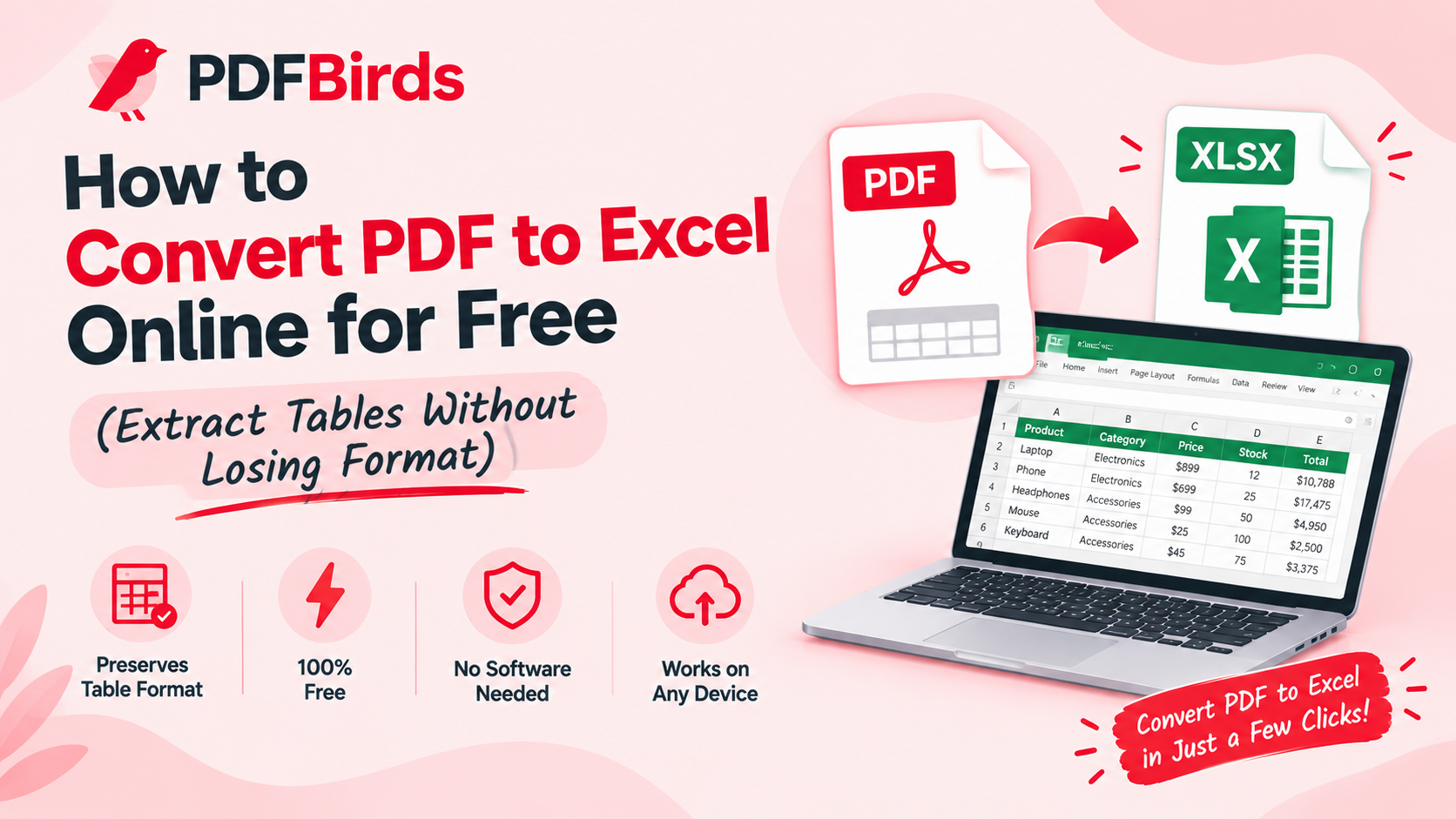
- Extracting Financial Data Only? If your document primarily consists of financial ledgers or tables, follow our guide on how to convert PDF to Excel online to retain raw spreadsheet formulas.
- Is Your PDF Password-Locked? If the original document asks for credentials, decrypt it first using our guide on how to unlock a PDF and remove password.
- Merge Multiple Documents First: Combine separate chapters into a single file before converting using our guide on how to merge PDF files online.
- Reduce Heavy File Size: Shrink bloated scanned documents before emailing with our guide on how to reduce PDF file size.
FAQs
Can I convert a scanned PDF into an editable Word document?
Yes. Standard text PDFs convert with full native formatting immediately, while high-clarity scans are reconstructed into editable document structures.
Will my fonts and margins change after conversion?
Standard system typography and structural layouts (such as bold headers, paragraphs, and margins) are matched closely to mirror the original file.
Is it safe to convert private legal or corporate paperwork on PDFBirds?
Yes. All data transfers are protected through encrypted SSL connections, and uploaded documents are permanently erased from our processing servers shortly after completion.
Trying to edit text directly inside a standard PDF is notoriously difficult. Unlike word processor documents, standard PDFs flatten text, fonts, and graphics into fixed layout containers, making simple typing or paragraph adjustments nearly impossible without breaking the page design.
Converting your file into an editable Microsoft Word document (.docx) allows you to rewrite content, adjust styling, and modify layouts effortlessly. In this article, you will learn how to convert PDF documents into clean, editable Word files online for free—without purchasing expensive desktop licenses.Trying to edit text directly inside a standard PDF is notoriously difficult. Unlike word processor documents, standard PDFs flatten text, fonts, and graphics into fixed layout containers, making simple typing or paragraph adjustments nearly impossible without breaking the page design.
Converting your file into an editable Microsoft Word document (.docx) allows you to rewrite content, adjust styling, and modify layouts effortlessly. In this article, you will learn how to convert PDF documents into clean, editable Word files online for free—without purchasing expensive desktop licenses.