
Converting PDF pages or graphics into standard raster images often results in blurry text, washed-out vectors, or unwanted solid white backgrounds that ruin presentation slides and web assets. While JPG is popular for photos, it applies lossy compression and lacks transparency support entirely.
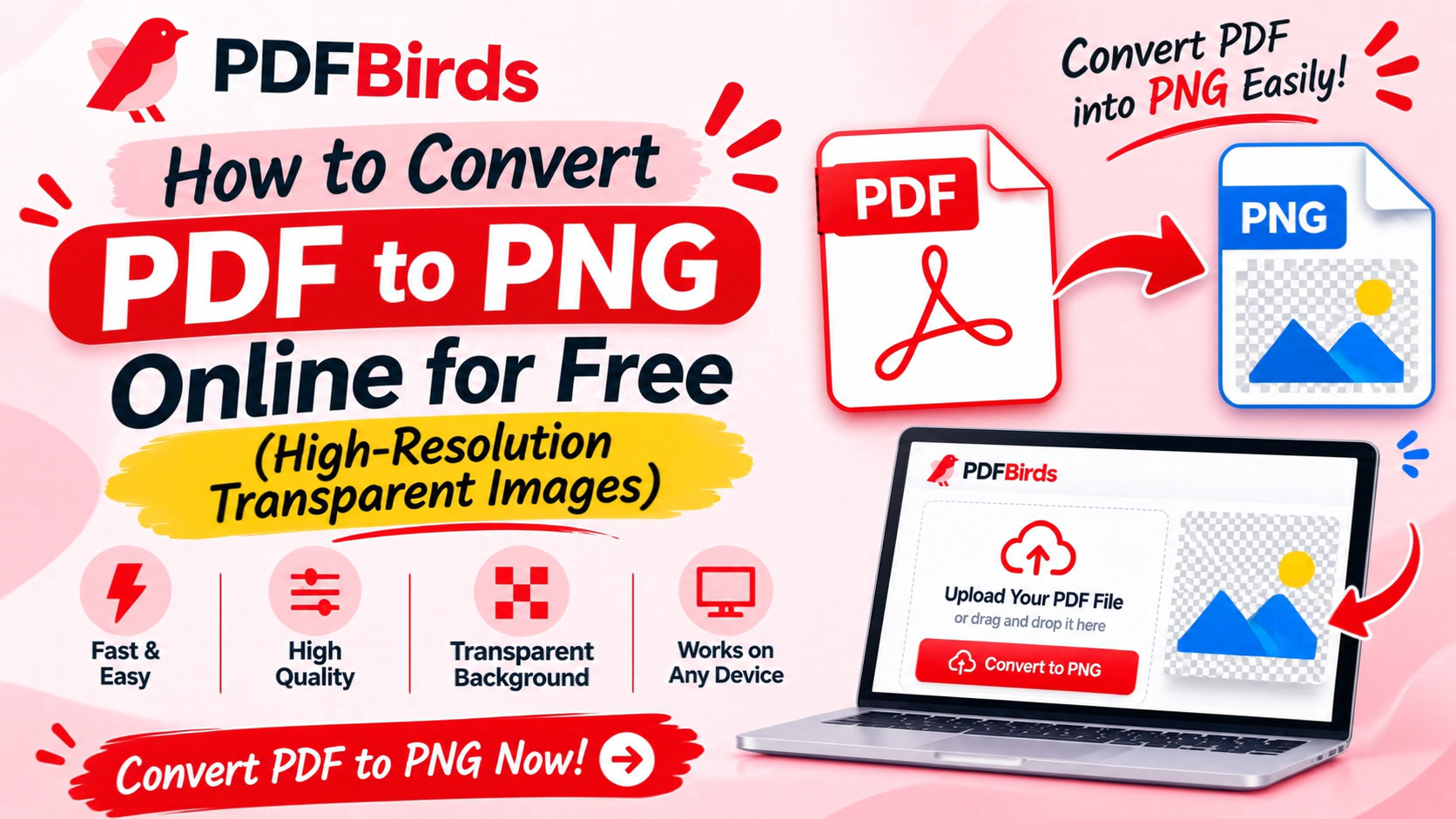
Converting your document into Portable Network Graphics (.png) delivers lossless image quality, crisp vector lines, and transparent background layers. In this article, you will learn how to convert PDF pages and elements into high-resolution PNG images online for free—without installing heavy desktop editing software.
Why Choose PNG Over Other Image Formats?
Exporting PDF documents into PNG format provides distinct graphical benefits:
- Lossless Image Quality: PNG preserves fine typography, sharp diagram outlines, and high-contrast vector assets without compression artifacts.
- Alpha Channel Transparency: Transparent PDF layers, vector icons, and cut-out badges export cleanly without default solid white backgrounds.
- Flawless Presentation Integration: Insert extracted charts, illustrations, and logos seamlessly into PowerPoint, Canva, Keynote, or website layouts.
- Pixel-Perfect Digital Archiving: Keep exact color fidelity and resolution for digital portfolios and web publication.
Step-by-Step: How to Convert PDF to PNG Online
Exporting your document as a PNG image takes less than a minute on PDFBirds:
Step 1: Upload Your PDF Document
Navigate to the image converter suite on PDFBirds. Drag and drop your .pdf file into the upload box, or click Select File.
Step 2: Choose PNG Output & Resolution
Select Convert to PNG. The system parses each page, rasterizes vector paths at high resolution (300 DPI), and separates document layers cleanly.
Step 3: Download Your PNG Images
Once rendering completes, click Download. You can save individual page images or download all converted sheets together in a tidy .zip folder.
Related Tools to Streamline Your Document Workflow
Organize, convert, and secure your files before and after image extraction:
- Looking for Standard JPGs Instead? If file size is your main priority for email attachments, use our guide on how to convert PDF to JPG online.
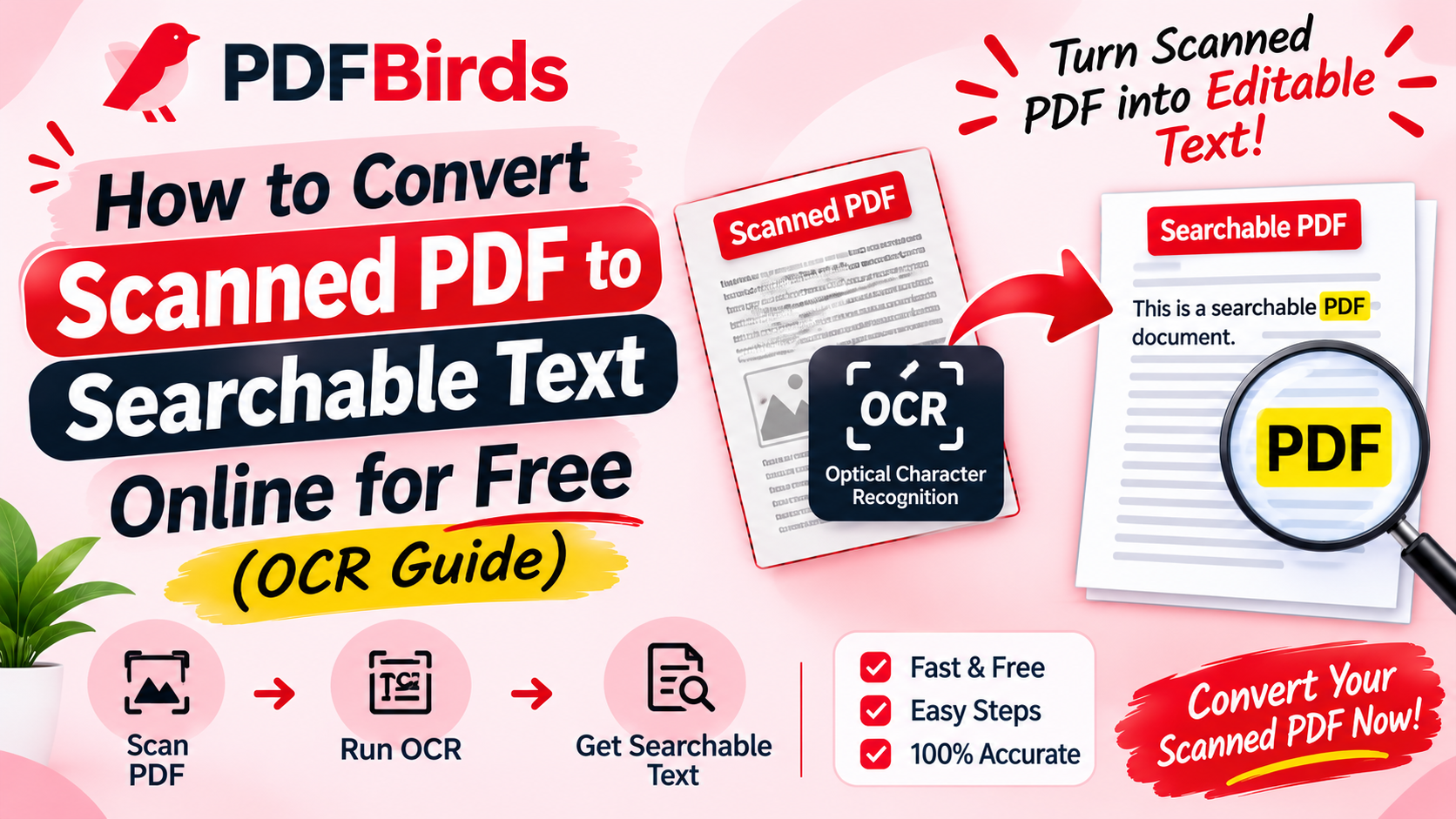
- Have Scanned Paperwork to Extract? Make flattened text layers searchable before converting with our guide on how to convert scanned PDF to searchable text.
- File Too Heavy to Upload? Shrink bloated document files before image extraction using our tutorial on how to reduce PDF file size.
- Encrypted Document? Remove viewing restrictions first with our guide on how to unlock a PDF and remove password.
FAQs
What is the difference between converting to PNG versus JPG?
JPG uses lossy compression, making it smaller in file size but prone to blurriness around text and vector edges. PNG uses lossless compression and supports transparent backgrounds, making it far superior for graphics, charts, and digital presentations.
Will my text remain sharp when converting a multi-page PDF to PNG?
Yes. High-resolution rasterization ensures that text curves and line graphs retain crisp edges suitable for high-DPI displays and digital prints.
Is it safe to convert proprietary designs or contracts on PDFBirds?
Yes. All uploads are encrypted with end-to-end 256-bit SSL connections. Files are permanently purged from processing servers shortly after download.
Converting PDF pages or graphics into standard raster images often results in blurry text, washed-out vectors, or unwanted solid white backgrounds that ruin presentation slides and web assets. While JPG is popular for photos, it applies lossy compression and lacks transparency support entirely.
Converting your document into Portable Network Graphics (.png) delivers lossless image quality, crisp vector lines, and transparent background layers. In this article, you will learn how to convert PDF pages and elements into high-resolution PNG images online for free—without installing heavy desktop editing software.Converting PDF pages or graphics into standard raster images often results in blurry text, washed-out vectors, or unwanted solid white backgrounds that ruin presentation slides and web assets. While JPG is popular for photos, it applies lossy compression and lacks transparency support entirely.
Converting your document into Portable Network Graphics (.png) delivers lossless image quality, crisp vector lines, and transparent background layers. In this article, you will learn how to convert PDF pages and elements into high-resolution PNG images online for free—without installing heavy desktop editing software.Converting PDF pages or graphics into standard raster images often results in blurry text, washed-out vectors, or unwanted solid white backgrounds that ruin presentation slides and web assets. While JPG is popular for photos, it applies lossy compression and lacks transparency support entirely.
Converting your document into Portable Network Graphics (.png) delivers lossless image quality, crisp vector lines, and transparent background layers. In this article, you will learn how to convert PDF pages and elements into high-resolution PNG images online for free—without installing heavy desktop editing software.Converting PDF pages or graphics into standard raster images often results in blurry text, washed-out vectors, or unwanted solid white backgrounds that ruin presentation slides and web assets. While JPG is popular for photos, it applies lossy compression and lacks transparency support entirely.
Converting your document into Portable Network Graphics (.png) delivers lossless image quality, crisp vector lines, and transparent background layers. In this article, you will learn how to convert PDF pages and elements into high-resolution PNG images online for free—without installing heavy desktop editing software.Converting PDF pages or graphics into standard raster images often results in blurry text, washed-out vectors, or unwanted solid white backgrounds that ruin presentation slides and web assets. While JPG is popular for photos, it applies lossy compression and lacks transparency support entirely.
Converting your document into Portable Network Graphics (.png) delivers lossless image quality, crisp vector lines, and transparent background layers. In this article, you will learn how to convert PDF pages and elements into high-resolution PNG images online for free—without installing heavy desktop editing software.