How to Split a PDF by Pages, Ranges, or File Size

How to Split a PDF by Pages, Ranges, or File Size
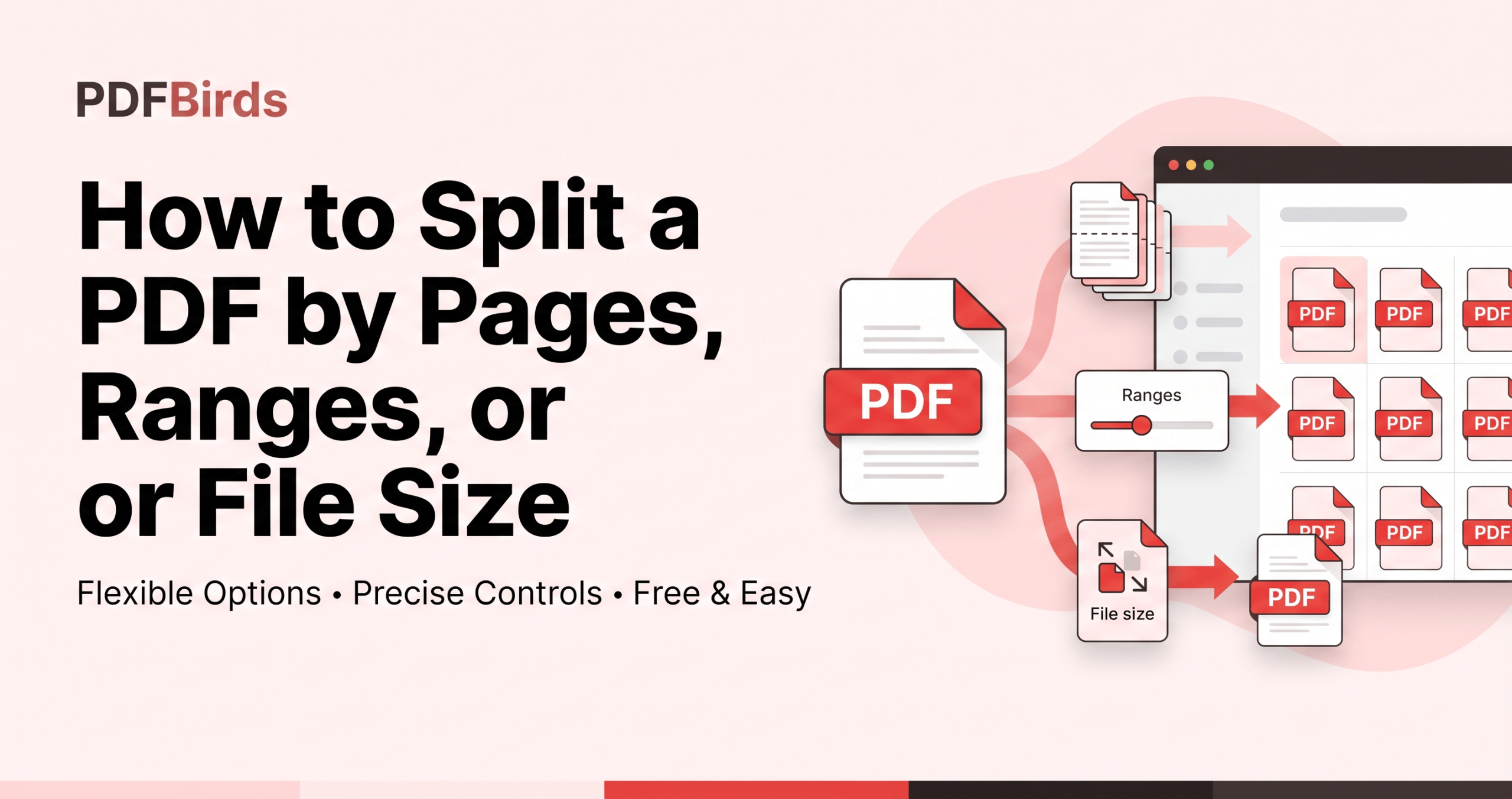
Quick Answer: To split a PDF by pages, ranges, or file size, upload your document to the PDFBirds Split PDF tool. Choose your splitting criteria—Extract Single Pages (burst all), Split by Custom Range (e.g., 1-5, 6-12), or Split by Target File Size (e.g., maximum 10 MB per chunk)—then click Split PDF to download your processed … Read more
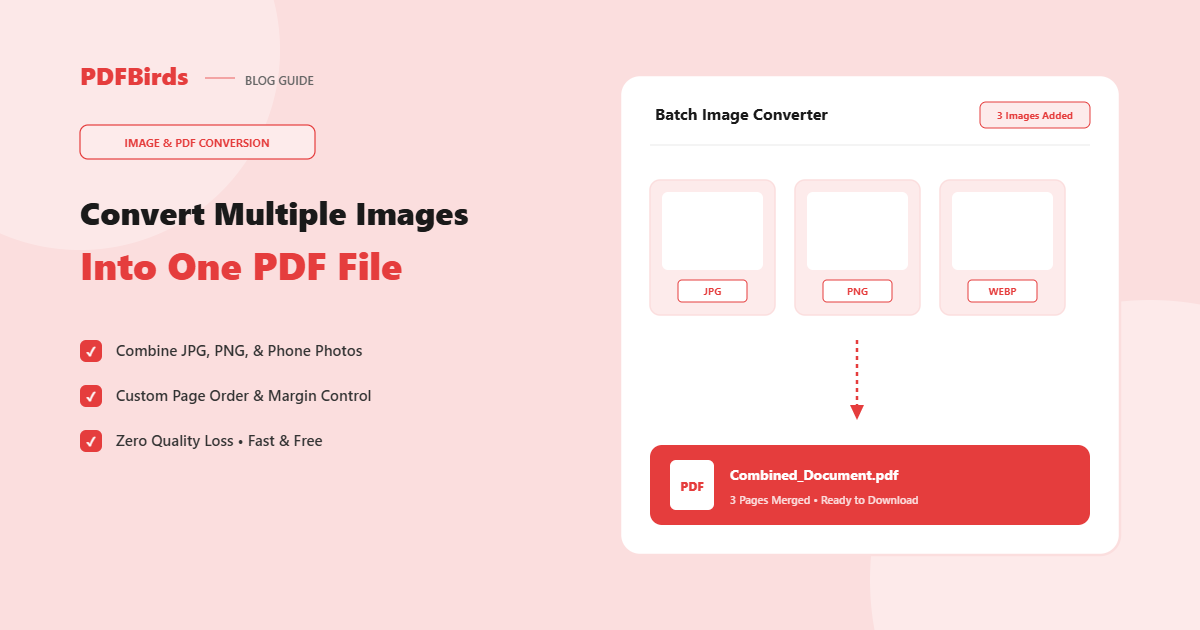
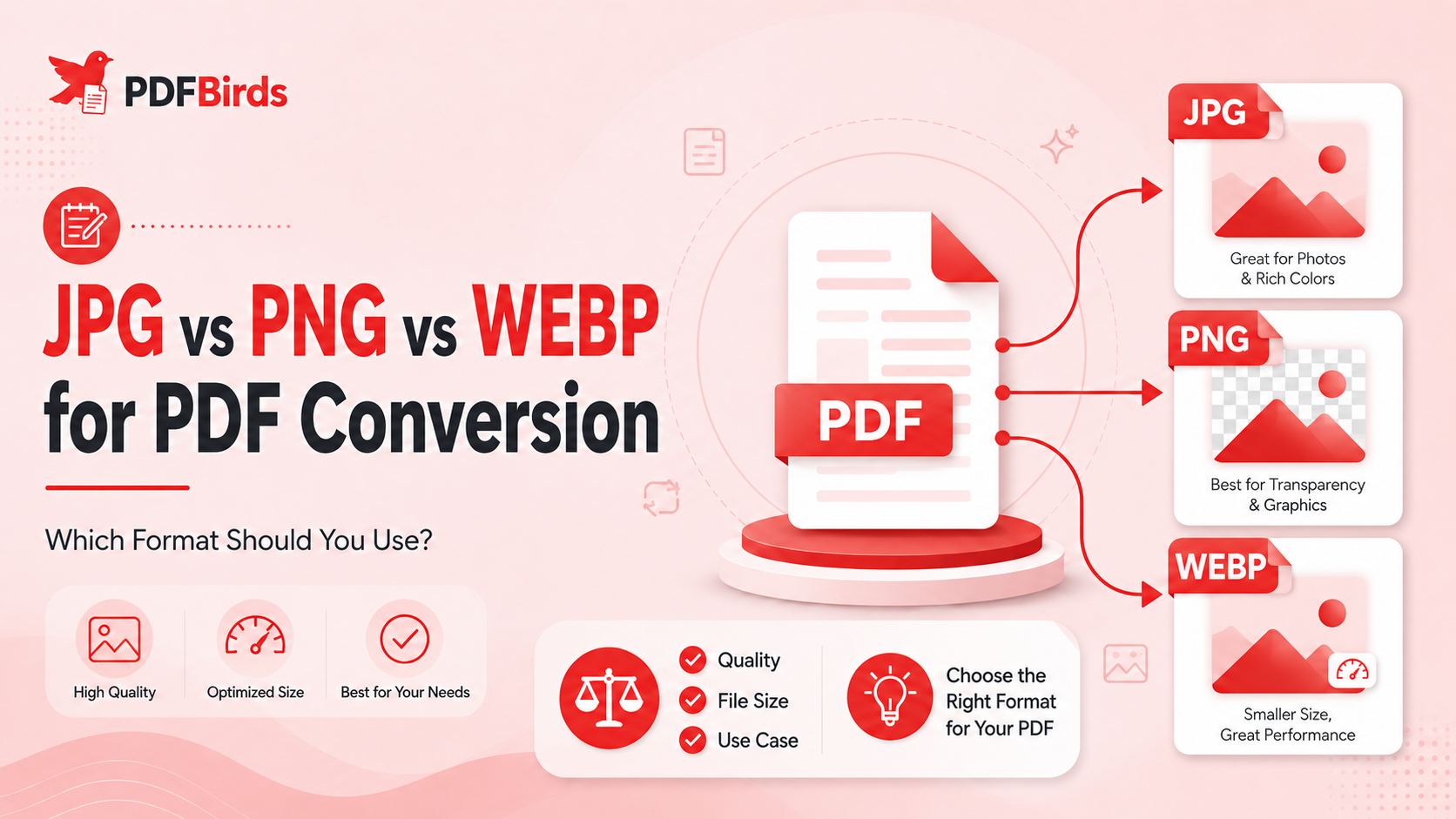
How to Convert Multiple Images Into One PDF on Any Device

How to Convert Multiple Images Into One PDF on Any Device

Quick Answer: To split PDF pages online free, open the PDFBirds Split PDF tool, upload your document, select your preferred extraction mode (Custom Range, Extract Selected Pages, or Split All Pages), choose your target pages visually or by page number, and click Split PDF to download your separated documents instantly. Splitting a large document into … Read more

How to Convert PDF to Word Without Losing Formatting

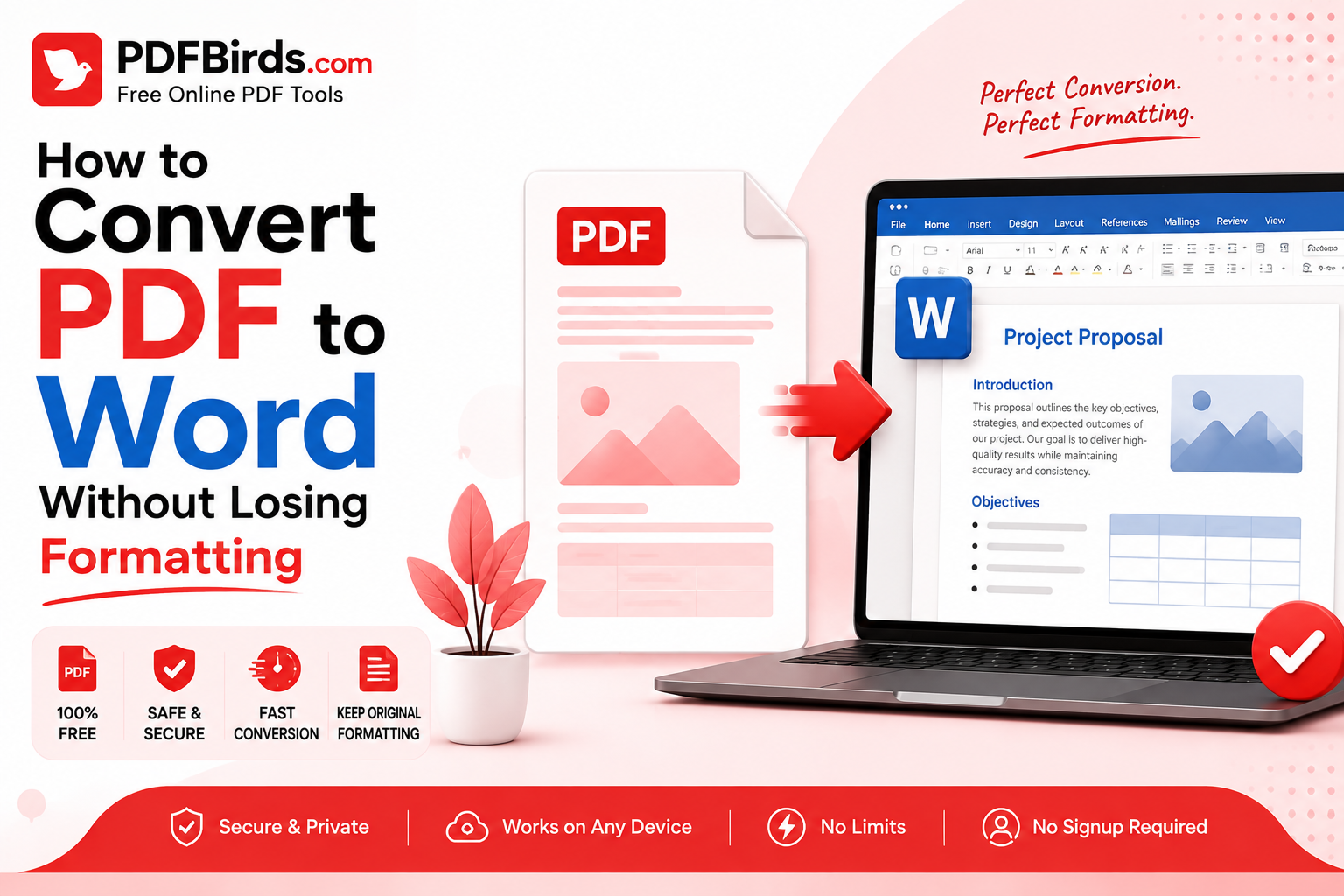
How to Convert PDF to Word Without Losing Formatting

Converting a PDF into Word sounds simple until you open the converted document and discover broken tables, missing images, strange fonts, or paragraphs in the wrong place. The reason is that PDF and Word are designed differently. A PDF focuses on keeping a page looking consistent, while a Word document is designed to be editable. … Read more

Improving User Experience: Key Strategies for 2026

You can tell a PDF tool is frustrating before you ever hit “Convert.” The upload spins, the phone keyboard covers the form field, the file disappears when the café Wi-Fi drops, and the result takes you back to square one. That kind of friction isn't a cosmetic flaw. In document workflows, it's the difference between … Read more