
How to Convert PDF to BMP Online for Free (High-Resolution Bitmap Images)How to Convert PDF to BMP Online for Free (High-Resolution Bitmap Images)How to Convert PDF to BMP Online for Free (High-Resolution Bitmap Images)How to Convert PDF to BMP Online for Free (High-Resolution Bitmap Images)How to Convert PDF to BMP Online for Free (High-Resolution Bitmap Images)How to Convert PDF to BMP Online for Free (High-Resolution Bitmap Images)
When preparing vector documents or digital diagrams for legacy Windows applications, architectural rendering software, or specialized graphic pipelines, compressed formats like JPG can introduce blurred artifacts around sharp lines.
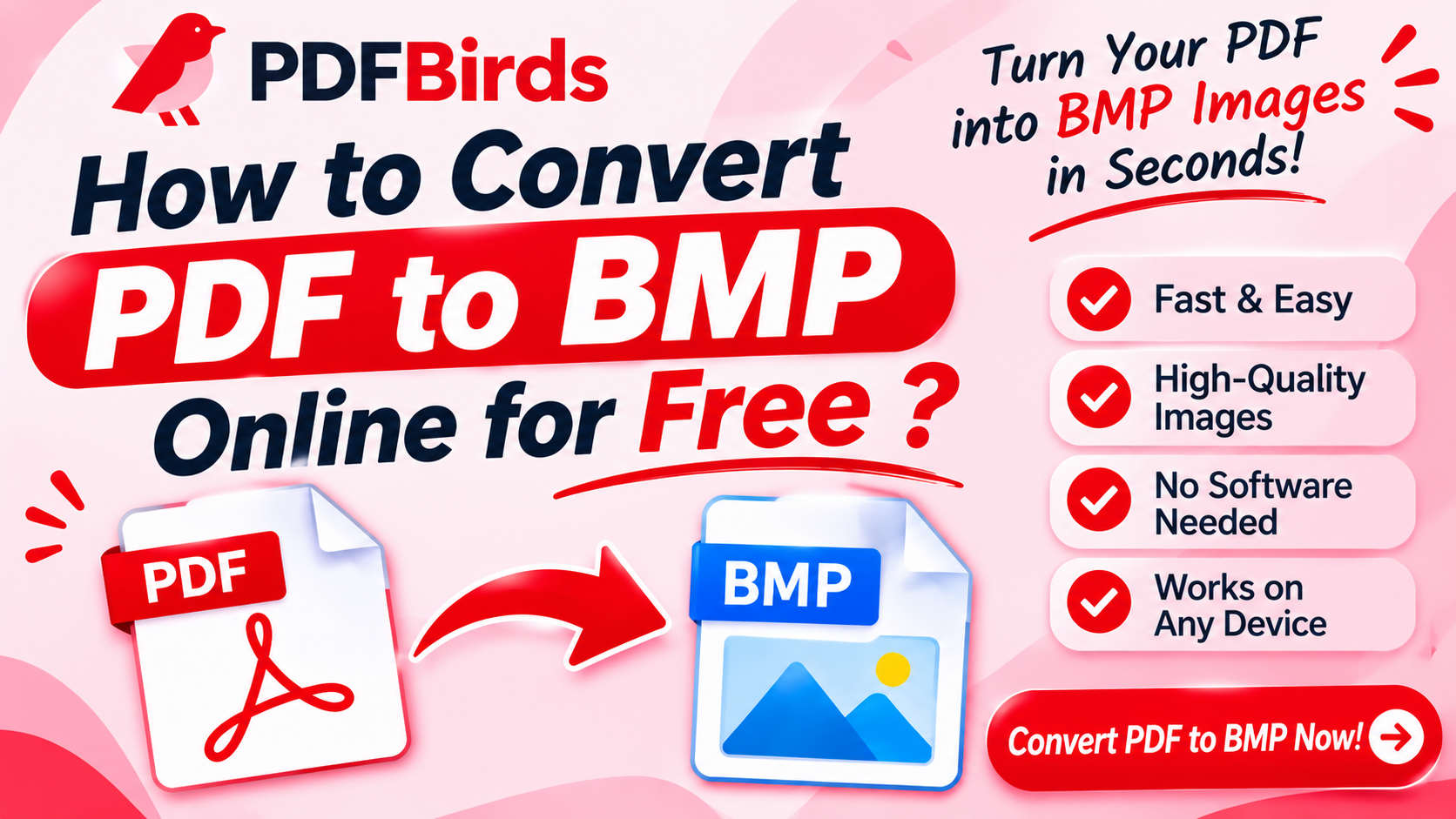
Converting your document pages into Bitmap (.bmp) format creates uncompressed, pixel-accurate raster graphics with zero compression degradation. In this article, you will learn how to convert PDF pages into high-resolution BMP images online for free without installing desktop software.
Why Convert PDF Documents to BMP?
Bitmap images provide distinct processing advantages in specialized environments:
- Uncompressed Pixel Accuracy: BMP stores raw pixel color maps without compression loss, keeping lines, diagrams, and text sharp down to individual pixels.
- Legacy & Industrial Compatibility: Essential for legacy Windows utilities, embedded systems, CNC machining tools, and engineering software that do not accept modern web formats.
- Zero Compression Artifacts: Avoids the fuzzy “ringing” artifacts commonly seen around high-contrast typography in standard JPG files.
- Predictable Image Data: Every pixel retains its explicit color data, making it suitable for scientific imaging, image analysis, and graphic inspection scripts.
Step-by-Step: How to Convert PDF to BMP Online
Converting your document takes less than a minute on PDFBirds:
Step 1: Upload Your PDF Document
Open the image conversion utility on PDFBirds. Drag and drop your .pdf file into the upload zone, or click Select File.
Step 2: Select BMP Conversion
Choose Convert to BMP. The conversion engine processes every page, rasterizes vector fonts into crisp bitmap pixel grids, and packages each page cleanly.
Step 3: Download Your BMP Files
Once processing finishes, click Download. You can save single page bitmaps or grab all converted sheets together in a convenient .zip file.
Related Tools to Manage Your Converted Files
- Need Web-Optimized Transparent Images? If you need web-friendly transparent assets instead of uncompressed bitmaps, follow our guide on how to convert PDF to PNG online.
- File Too Heavy to Upload? Shrink large document sizes before conversion using our guide on how to reduce PDF file size.
- Need Scanned Pages Cleaned Up? Straighten crooked scans before rasterizing with our tutorial on how to rotate PDF pages online.
- File Locked by Password? Remove access passwords before conversion with our guide on how to unlock a PDF and remove password.
FAQs
What is the main difference between BMP and PNG?
BMP is typically an uncompressed bitmap format preferred in legacy systems and raw pixel processing, resulting in larger file sizes. PNG uses lossless compression, making it much smaller and ideal for websites and modern apps.
Will my text remain sharp when converted to BMP?
Yes. High-DPI rasterization ensures that text boundaries, technical schematics, and vector curves render cleanly without compression blur.
Is my document secure on PDFBirds?
Yes. All file transfers use 256-bit SSL encryption. Uploaded documents are automatically and permanently deleted from processing servers shortly after download.